Chris Worfolk's Blog


Why does Mac VoiceOver keep saying the word “simul”?

January 12th, 2019 | Tech

I’m currently working with a client to improve the accessibility of their website for visually impaired users. This has involved a lot of time working with screen readers. As part of that, I have found a rather weird bug with Mac’s VoiceOver. It keeps saying the word “simul”.

Which isn’t a word. Maybe it’s saying simmul or simmel, or something else. None of these are words.

It happens when we give it a range to read. Something like “4-6”. The screen reader says the first number, then goes suspiciously quiet and says simul, and then starts building back up to regular volume as it gets to the final number.

I even asked about it on Stack Overflow, and everyone else was confused, too.

I wondered whether it might be a language issue. So, I tried adding a custom pronunciation, and double-checked the HTML tag had a lang attribute set to en-gb. Alas, no luck.

This is only a problem on Mac: TalkBack on Android works fine, for example.

In the end, I was able to get it to read correctly by changing the voice. By default, macOS comes with Daniel Compact set as the voice. However, when I switched to Daniel, Kate, or Kate Compact, it read it out correctly.

In a way, this is frustrating, because there is no much we can do to fix it. It’s a bug with the voice in Mac. But it is at least somewhat comforting to know that I wasn’t making some obviously silly mistake.


Scaling Scrum to a 30 person team

January 11th, 2019 | Business & Marketing, Tech

What do you do if you need to scale your Scrum team? Ideally, have multiple teams and use one of the many fine methods for scaling with multiple teams. But what if you want to scale a single team? To say, 30 people?

This was the situation I ran into with a recent client. They had an important project and lots of money to throw at it, and they wanted it all to be one team.

You might think “but there is no way that could possibly work”. And you would be correct. It didn’t work that well. But, having no other option, we did find some hacks that made it easier. I’ll present these below.

Kim’s Corners

Doing a stand-up with 30 people is tough. You might think it took ages. But it didn’t. We got done in 15 minutes. There were so many people (in a special meeting room we had to book every day) that people kept it short and sweet. From that point of view, it was a good learning experience.

But it wasn’t useful. There was so much stuff going on that nobody could remember what everyone else has said. Most people did not even try. They just tuned out for most of it.

So, we moved to Kim’s Corners. Each workstream had a corner and we went around one corner at a time. The people in that corner listened to each other intently, while only taking a high-level overview of what the other corners said.

Goldfish Bowl

Having a retro was also challenging because there were so many people wanting to weight in. To solve this, we used the Goldfish Bowl technique.

This involves having five chairs in the middle of the room. Four people sit on them, with one empty chair. Everyone else sits around in a big circle. Only the people in the inner chairs are allowed to talk on the topic at hand, and the discussions are time-boxed to five minutes. The group can vote to allow another five minutes if required.

What if you are sat on the outside? You go into the circle and claim the empty chair. At which point, someone from the inner circle is obliged to get up and go back to the outer circle, freeing up a chair to be the new empty chair. Anyone who has a strong opinion can take a chair, but without too many people talking at once.

Refinement Lucky Dip

30 people were too many people to have sat around looking at a Jira board and pointing stories up. So, we used a lucky dip system in which five people were randomly selected to attend backlog refinement sessions.

Anyone else that particularly wanted to be involved, perhaps because they had the a specific knowledge or interest in a piece of work that was upcoming, was also welcome to attend. But they were not required or expected to attend otherwise.

How to stop VoiceOver saying the word “group”

January 10th, 2019 | Programming

You’re trying to make your website accessible. Lovely stuff. But because screen reader technology is so bad, you need to add a bunch of inline span tags with the aria-label attribute on them so that you can add additional context, or, more usually, use some kind of hack to get around a screen reader bug.

This works well. However, it also splits the whole thing into separate groups. Consider the following example:

An annual subscription costs £20.00 per year.

Looks good. Except for VoiceOver on Mac and iOS, and probably other screen readers, too, will read out something like this:

Pound two zero zero zero

Oh no! It totally ignored the decimal point and now your user, if they are able to track the weird way it read out individual numbers, thinks that your product costs two thousand pounds. So, our old friend the Aria label is here to help.

An annual subscription costs <span aria-label=”twenty pounds”>£20.00</span> per year.

Hurray! It now sounds like normal language. But it’s still confusing. Now the screenreader reads them out as three separate blocks. “An annual subscription.” “Twenty pounds, group.” “Per year.” The user has to navigate through all three of them even though it is one sentence.

The fix

To fix it, we can use the role attribute. Sometimes.

If we set it to role="text" it will work in WebKit. For example:

<span role=”text”>An annual subscription costs <span aria-label=”twenty pounds”>£20.00</span> per year.</span>

Now it will read out the entire sentence as one string, but still using the Aria label.

Is role=”text” a thing?

No. That’s the drawback. it was proposed to be included in the Aria spec, but nobody could agree on whether it should be a thing or not. So, it was left out. Therefore, it is not implemented everywhere.

It is implemented in WebKit, so will fix the problem on Chrome, iOS, etc. But it won’t fix it in some other browsers. And, you might get pulled up by linting tools and validators because it is not part of any formal specification.

Where can I put it?

Anywhere you like given that it is a made up attribute.

But there are some things to be cautious of. It should only go on a block of text where you do not mind losing any of the context inside of it. If you have an element inside the paragraph, for example, that should be treated as a separate group, then leave it off.

It shouldn’t on headings because you don’t want to lose the context. Instead, put a span tag inside the heading with it on.

Also, you need to ensure you are using the aria-label attribute for anything inside. Normally, you can use an abbr tag with a title attribute and the screen reader will read out the title. However, if you wrap it in a role="text", this will only work if you use an aria-label instead/as well as the title attribute.

Lifeline TT 02 turbo trainer review

January 9th, 2019 | Reviews, Sport

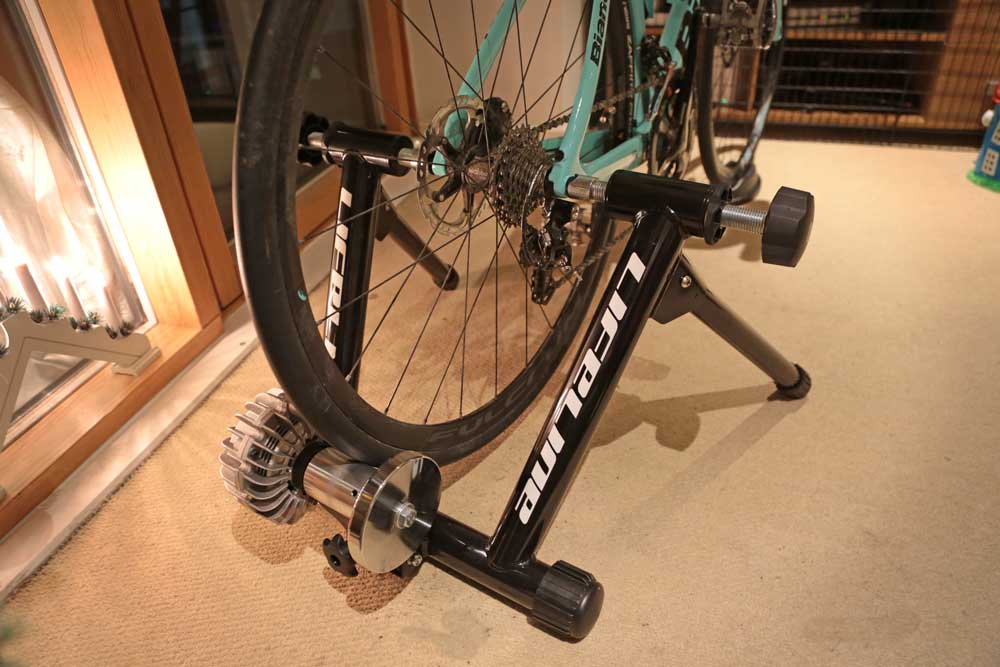
In this video, I’ll review the Lifeline TT-02 fluid turbo trainer. It’s an indoor bike trainer sold by Wiggle. It’s an entry-level model that is perfect if you want to try out indoor cycling without spending a huge amount of money.

Setup is simple, and I’ll show you in the video. Pop the legs out, lock the bike in place and pop the riser block under the front wheel. You’ll need to replace your quick release skewer with the one supplied. If you have a thru-axle bike, see my review of the Kinetic Traxle.

With it being a fluid trainer, there are no controls to fiddle around with. The resistance gets exponentially harder as you pedal faster.

As it’s not a smart trainer, it’s not compatible with Zwift or TrainerRoad out-of-the-box: you’ll need a power meter or speed sensor on your bike to make it work.

You can listen to the noise levels on the video as I ride at 100, 200, 400 and 700 Watts.

RØDELink Filmmaker Kit unboxing

January 8th, 2019 | Reviews

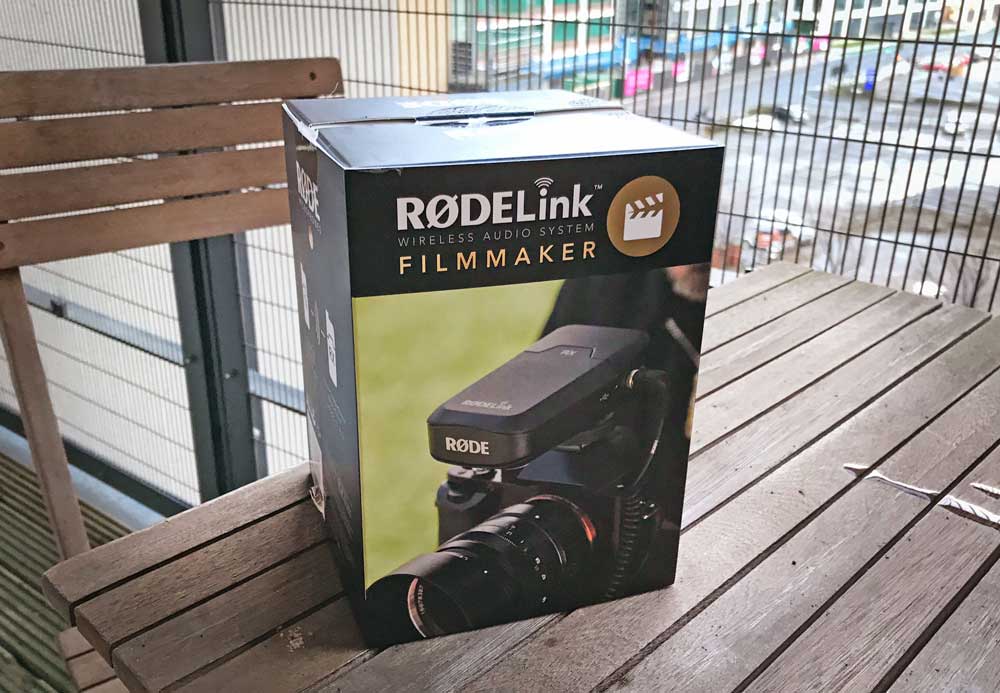
The RØDELink Filmmaker kit is a wireless lavalier microphone specifically designed for filmmakers shooting on DSLR cameras. In this video, I’ll take it out of the box and show you what is included.

The kit is comprised of two parts: a receiver that plugs into your camera, complete with shoe adapter. The second half is the receiver that clips onto your belt. You plug the lavalier microphone into the unit.

The sound quality is okay out of the box but did require me to fiddle around with the levels somewhat to get it working. Setup took around five minutes as I just needed to hit the sync button on each unit a few times.

Kinetic Traxle review and installation

January 7th, 2019 | Reviews

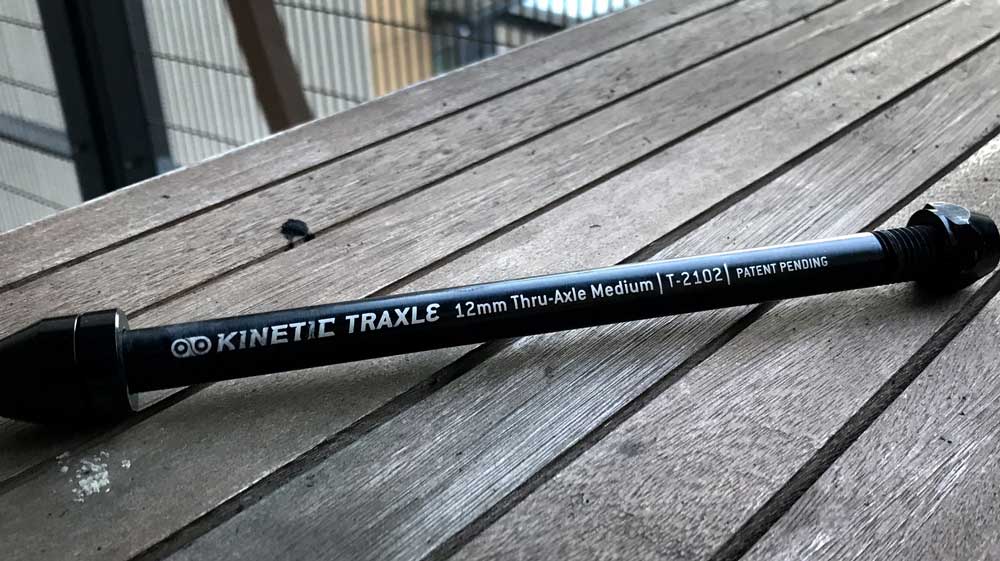
The Kinetic Traxle is a replacement thru-axle that allows you to mount your thru-axle bike on a turbo trainer. In this video, I’ll review it and show you how it works.

It’s designed for the Kinetic indoor trainers but works on many other brands, too, including the Lifeline TT-02 (see my channel for my review of that).

It’s not as good as the quick release skewer: the Traxle requires you to screw it in with an allen key and a spanner, which you’re unlikely to be carrying on a bike. So, you’ll need to swap it out for your regular thru-axle when riding outside, which may be a major drawback for some people. It’s pretty quick to do, though, and I’ll show you that in the video.

It comes with three different thread sizes (the width between the screw threads), so you’ll need to get the correct one for your bike. For example, my Bianchi uses a 1.5mm thread. the axle adjusts quite well to specific bikes, though, thanks for the included spacers that you can add and remove.

Once you’re set up, you can look forward to hours of happy cycling indoors throughout the winter months using apps like Zwift and TrainerRoad.

Polar H10 review

January 6th, 2019 | Reviews

In this video, I review the Polar H10 heart rate monitor. Specifically, I’ll be comparing it to the Garmin HRM-Tri and the Garmin HRM-Swim to see how it stacks up.

The Polar H10 comes with two Bluetooth channels so you can connect it to two different devices at once (fitness trackers, watches, cycling head units, gym equipment, etc), but there is no support for ANT+.

It comes with the Polar strap which is super comfortable when cycling or running but doesn’t offer the same grim while swimming in the pool that other heart rate monitors do.

There are two smartphone apps that go with it, Polar Beat and Polar Flow. Why are there two? It’s not clear and quite frankly, a little confusing.

Ultimately, I like the H10 for the easy connection to my Mac when using Zwift, but it won’t be replacing my Garmin heart rate monitor while doing triathlon.

Yorkshire pudding freakshake

January 5th, 2019 | Food

Toby Carvery has outdone themselves. Their new range of desserts includes a freakshake that features a Yorkshire pudding with chocolate brownie in it.

New Year’s Eve 2018

January 3rd, 2019 | Friends

We saw out 2018 and welcomed in 2019 with our traditional house party. This year, Elina, Venla and I were joined by Chris & Cara, Chris, Kristo, Michelle and Mike.

And oh how we partied. I didn’t get to bed until 4am. So much so, that I had to miss the first Parkrun of New Year’s Day. Luckily, having gotten out of bed at 10am, I did manage to swing my Armley Parkrun to complete the second.

2018 in pictures

January 2nd, 2019 | Photos

Feeding giraffes during Elina’s 30th birthday celebration.

Running my first sub-two hour half marathon at the Canal Canter.

On the bike at Skipton triathlon, my first sprint distance race.

Powering up the hill at the Tour de Yorkshire.

Riding the Up North Yorkshire sportive with Bogdan.

The finish line of Wetherby triathlon, by first standard distance race.

Chris & Cara’s wedding.

Venla meets her cousins for the first time.

Sundowner middle distance triathlon.

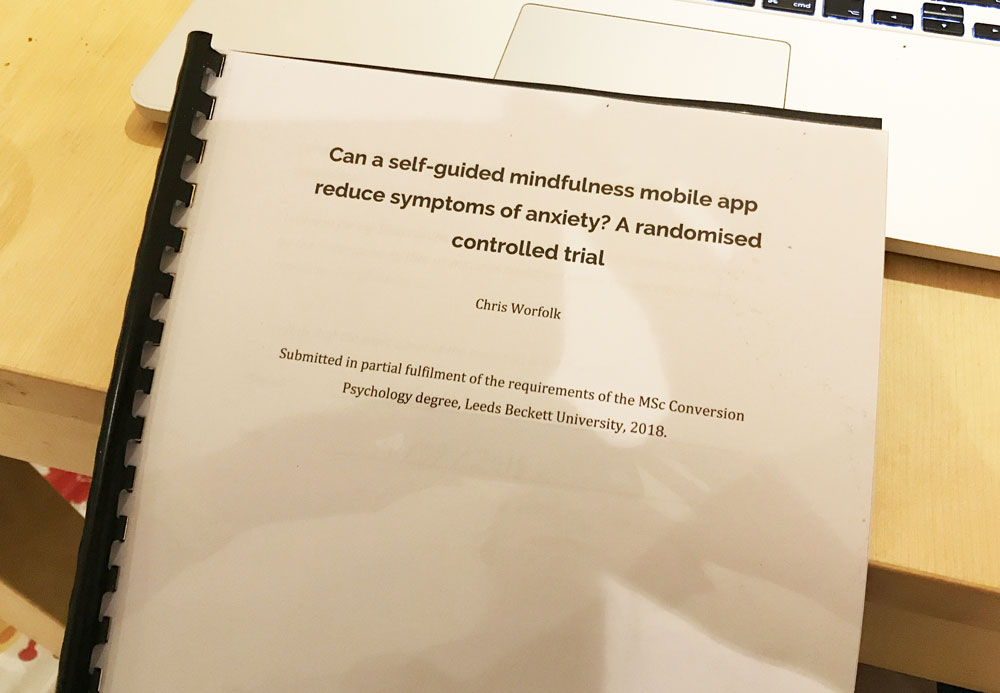
Dissertation bound and ready to be handed in.

Yorkshire marathon.

Running the Abbey Dash with my family.

Venla growing up fast.

Family party for Katie’s 30th birthday.